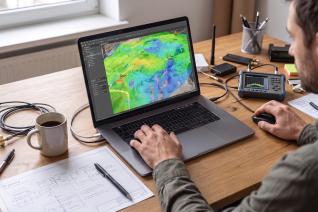
How to Plan Indoor and Outdoor Coverage in a Single Private 5G Network Project
A warehouse doesn't stop at the loading bay door. A campus doesn't stop at the building line. Yet indoor-outdoor wireless network planning is still routinely carried out as two separate exercises: one team or tool for the in-building design, another for the outdoor cells, and a third conversation entirely about how traffic gets back to the core.
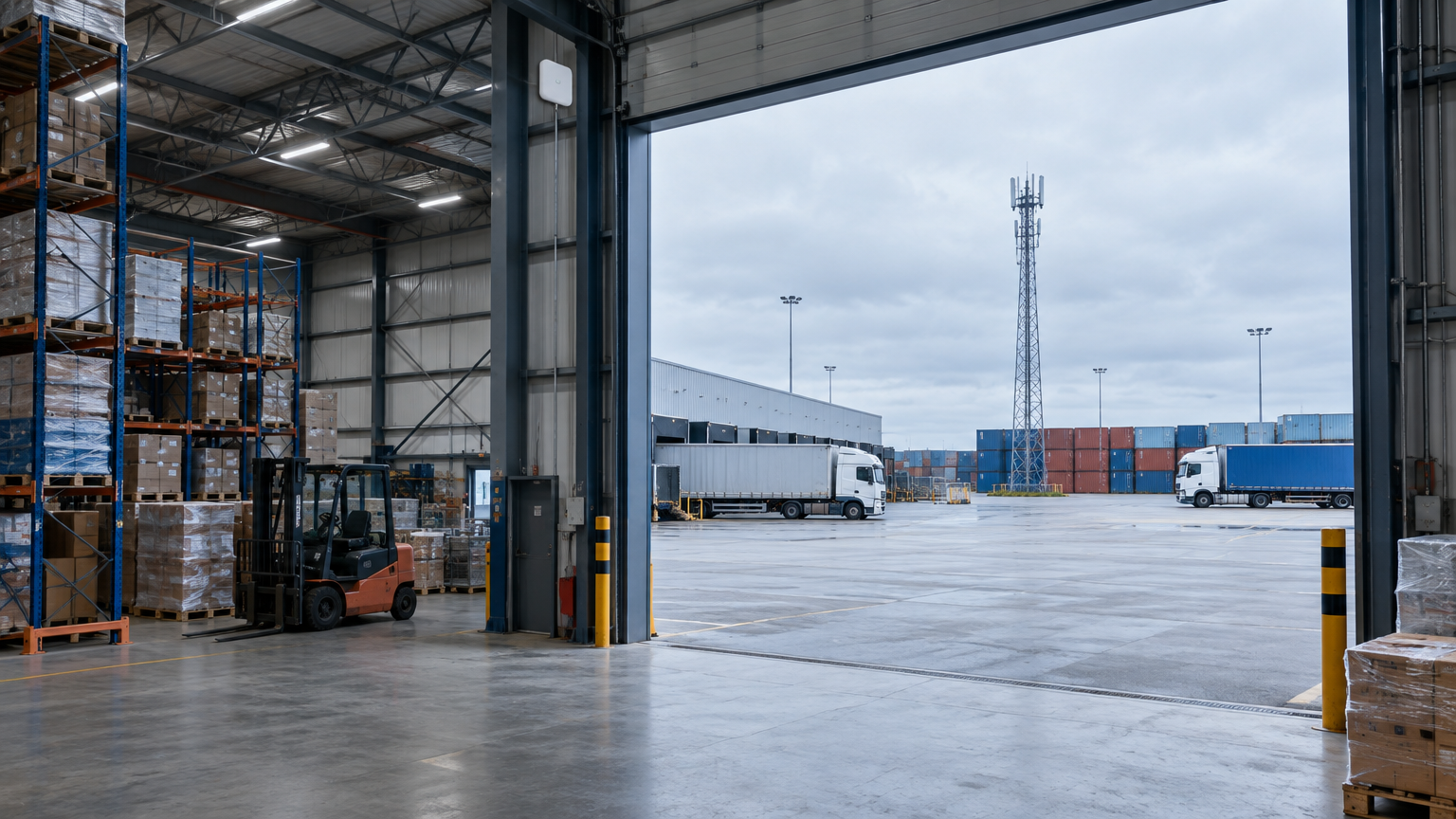
That split leaves the boundary untested until commissioning. A forklift driver loses connection crossing from the yard into the racking aisles. A handheld scanner drops out in the doorway of the goods-in bay. A tablet in an ambulance bay works fine until it crosses into the building. In each case the individual designs were sound; the boundary between them was nobody's job.
Why the Indoor-Outdoor Boundary Is the Hardest Part of the Design
Devices move across the boundary constantly, so the design has to hold through the transition:
- An outdoor cell serving a yard radiates into the building, and an indoor cell leaks out into the yard
- Those cells interfere with each other unless they're planned in relation to one another
- Handover zones need to sit somewhere sensible, not wherever the two designs happen to overlap
- Uplink from a device deep inside a structure behaves very differently from the downlink used to demonstrate coverage
- Backhaul links have to reach the indoor equipment, usually by crossing the outdoor environment first
Plan these separately, and each of the five becomes a coordination problem between documents instead of an engineering decision inside a model.
What Indoor-Outdoor Wireless Network Planning Requires in Practice
Treating the site as one problem means the design has to hold indoor structures, outdoor terrain and the links between them inside a single project, on one data structure, with one set of predictions that can be reviewed together.
Atoll One is built for exactly that arrangement. It runs on the platform mobile operators use to plan live carrier networks, installed on an engineer's laptop, and it covers 4G LTE, 5G NR, Wi-Fi and microwave backhaul in the same project. What follows is less about the software than about the method it makes possible.
Start from the client's real building data. Rebuilding a client's model takes time and can replace specified structural detail with generic assumptions. Import IFC or BIM structural models and AutoCAD DWG floor plans, then model propagation against the building the client has supplied, including the materials and geometry that affect signal behaviour.
Model the outdoor environment at the same fidelity as the indoor one. The yard, apron, campus grounds and surrounding terrain belong in the same project. That makes the transition part of the model rather than an assumption.
Plan the backhaul as part of the design, not after it. Microwave links and their paths constrain equipment locations. Planning them in the same project means radio and transport constraints are resolved together.
Prioritise coverage where the work happens. Uniform coverage across a footprint is rarely what an operation needs. Aisles, pick faces, loading bays, yard lanes, ambulance bays and command areas carry the traffic; most of the rest of the site carries very little.
Reviewing and Handing Over a Design That Spans Both Environments
The outputs must be usable by the installation, client and procurement teams. In a split workflow, each may receive a manually assembled version of a design that already contained the answer.
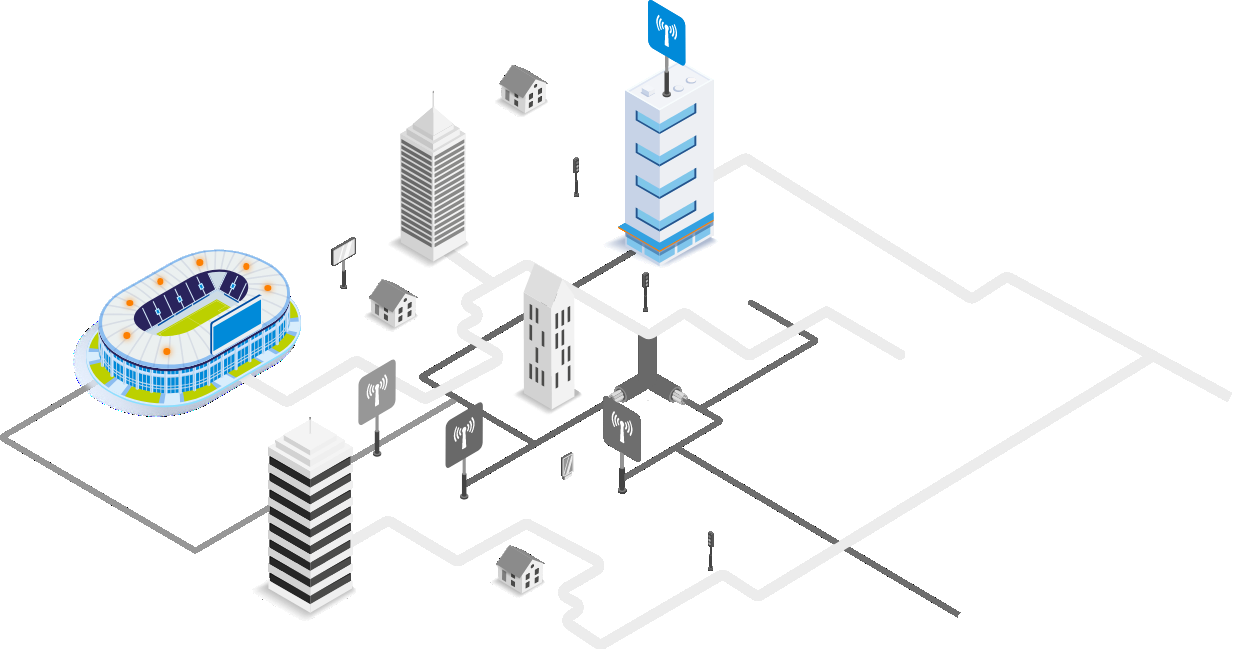
Two capabilities matter more than they first appear. Connection analysis traces cable and equipment connections visually across the whole project, indoor and outdoor together — which unit feeds which, through which route. Two designs specifying identical radios and passive components can behave differently once installed depending on how each element is connected, and that distinction is nearly impossible to review in a schedule of equipment. A bill of materials generated from the validated design, rather than compiled separately, closes the same gap on the procurement side.
Atoll One stores the project in a file format, so site, equipment and antenna records can be imported and exported from Atoll One.
What Changes When the Site Is Treated as One Project
The practical outcome is that the transition between indoor and outdoor 5G network coverage becomes something the engineer decides, rather than something the commissioning team discovers.